1
Describe the subject
Explain the person, product or setting, then add composition, light and the intended visual style.
Sign up for creative credits · Buy 2+ for 10% extra permanent credits
AI Image Generator & Editor
On Seedream 5.0 Pro, Image creation for structure, complex information and precise refinements Explore image and video ideas on Seedream 5.5 with a clear visual brief and carefully organized references.
Create with Seedream 5.0 Pro
Explain the person, product or setting, then add composition, light and the intended visual style.
For editing or visual continuity, use clear references and explain what each image contributes to the brief.
Select the framing and output options offered for the task and review the required credits before generating.
Choose a promising composition before refining background, color and detail, keeping the versions that move the project forward.
Seedream 5.0 Pro focuses on image tasks with a clear structure and several layers of information. It suits a brief that must explain subject relationships, layout hierarchy and local detail together. Define the information order first, then describe text, space and the visual focal point. References can communicate form and style that are difficult to express with words alone.
Decide what a visual should communicate before choosing how to present it. Seedream 5.0 Pro’s specifications and creative emphasis help you choose a direction for the task. Image and video work can be planned separately and combined within a larger project.
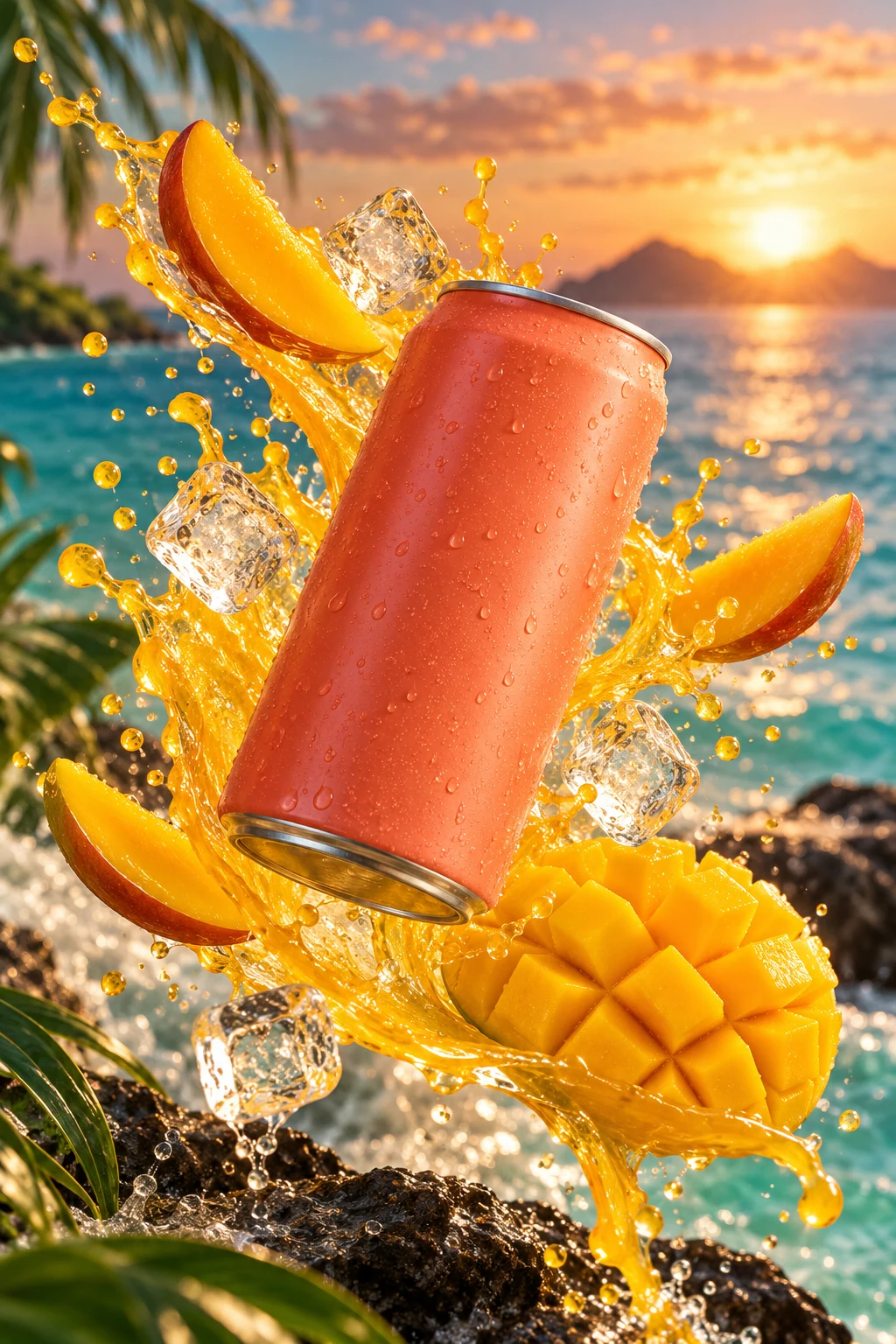
Explain the position, scale and visual hierarchy of the objects in a composition. Separating foreground, middle ground and background helps organize a brief that includes several interacting elements.
On Seedream 5.0 Pro, Develop image-led layouts with multiple pieces of information. List the content that must appear, then prioritize the headline, main subject and supporting elements so that each part has a clear role.
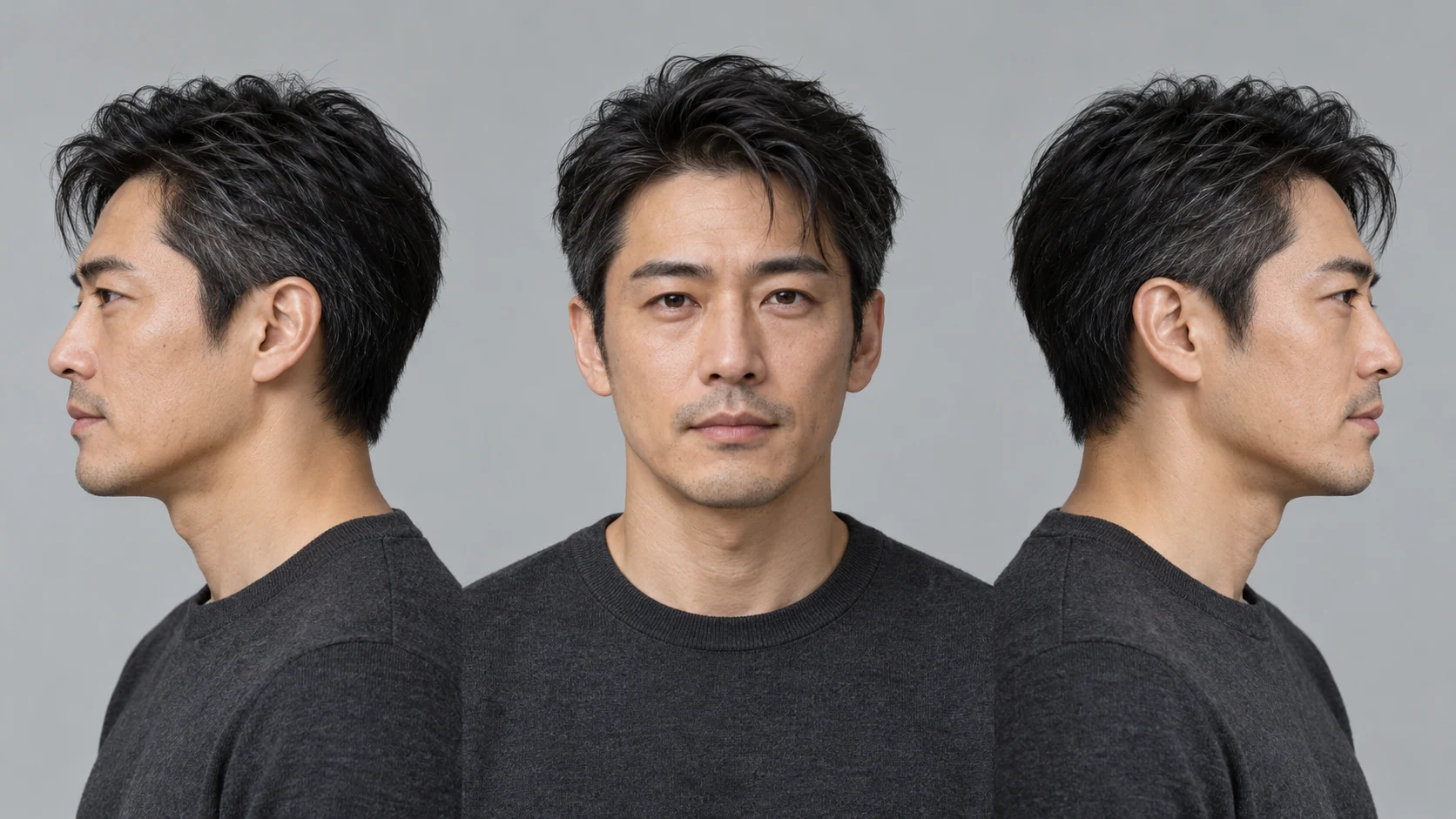
Describe a targeted adjustment to an area, material or lighting detail. State both the intended change and the parts that should stay consistent, rather than asking for an unrelated redesign of the entire image.
Seedream 5.0 Pro supports multilingual creation. For text-bearing visuals, supply the exact wording, language and layout direction, keeping required information separate from purely decorative elements.

The model accepts up to 10 input references. Organize subject appearance, background atmosphere and layout examples separately, then describe how they should relate within the new composition.
The available output levels are 1K and 2K. Plan creation and subsequent processing around the clarity a project needs, paying attention to composition, text and consistency of the important objects.
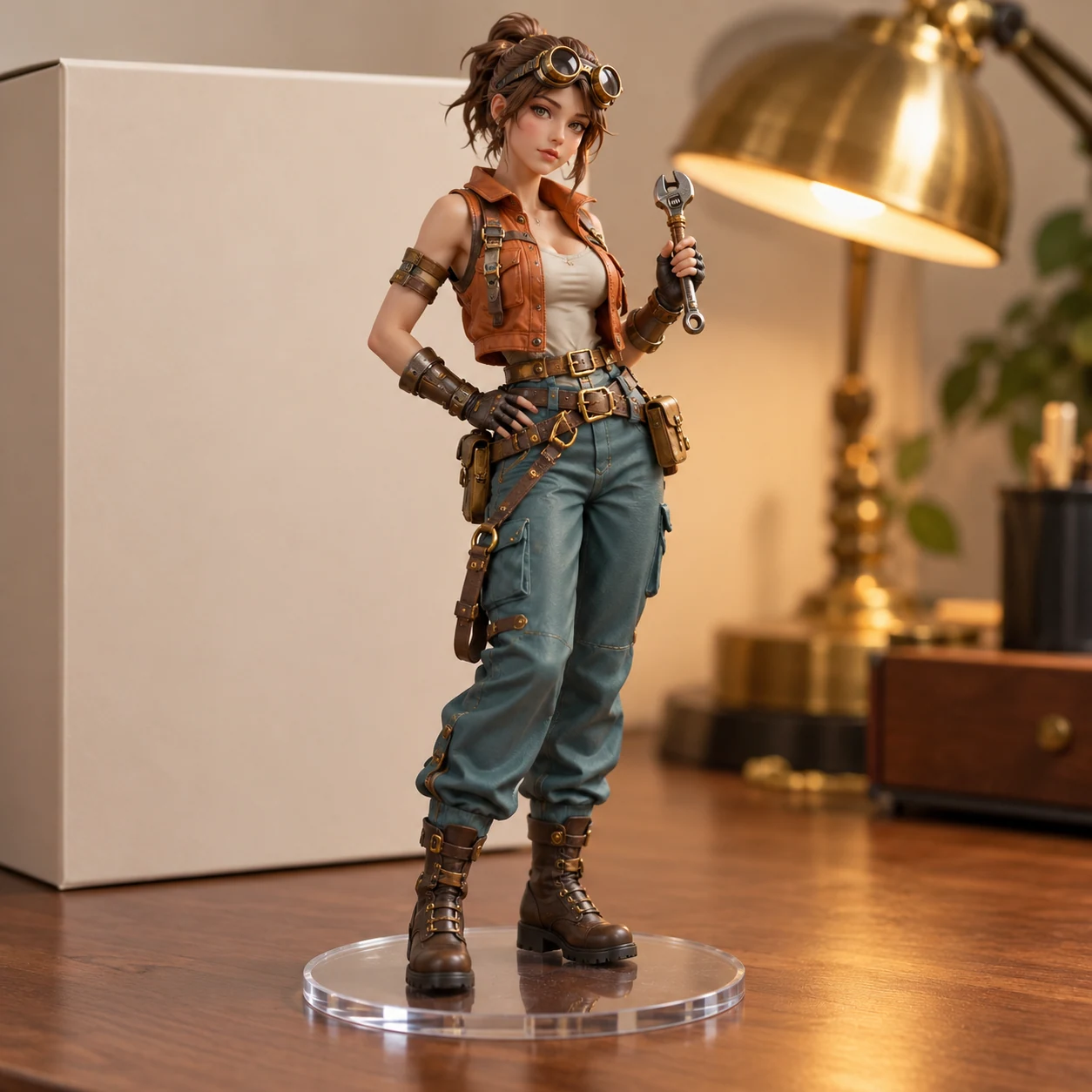
Organize the brand message, main subject and text hierarchy into a clear brief, then compare visual layout directions.
Plan a visual with several content areas by establishing information order before adjusting the emphasis of each area.
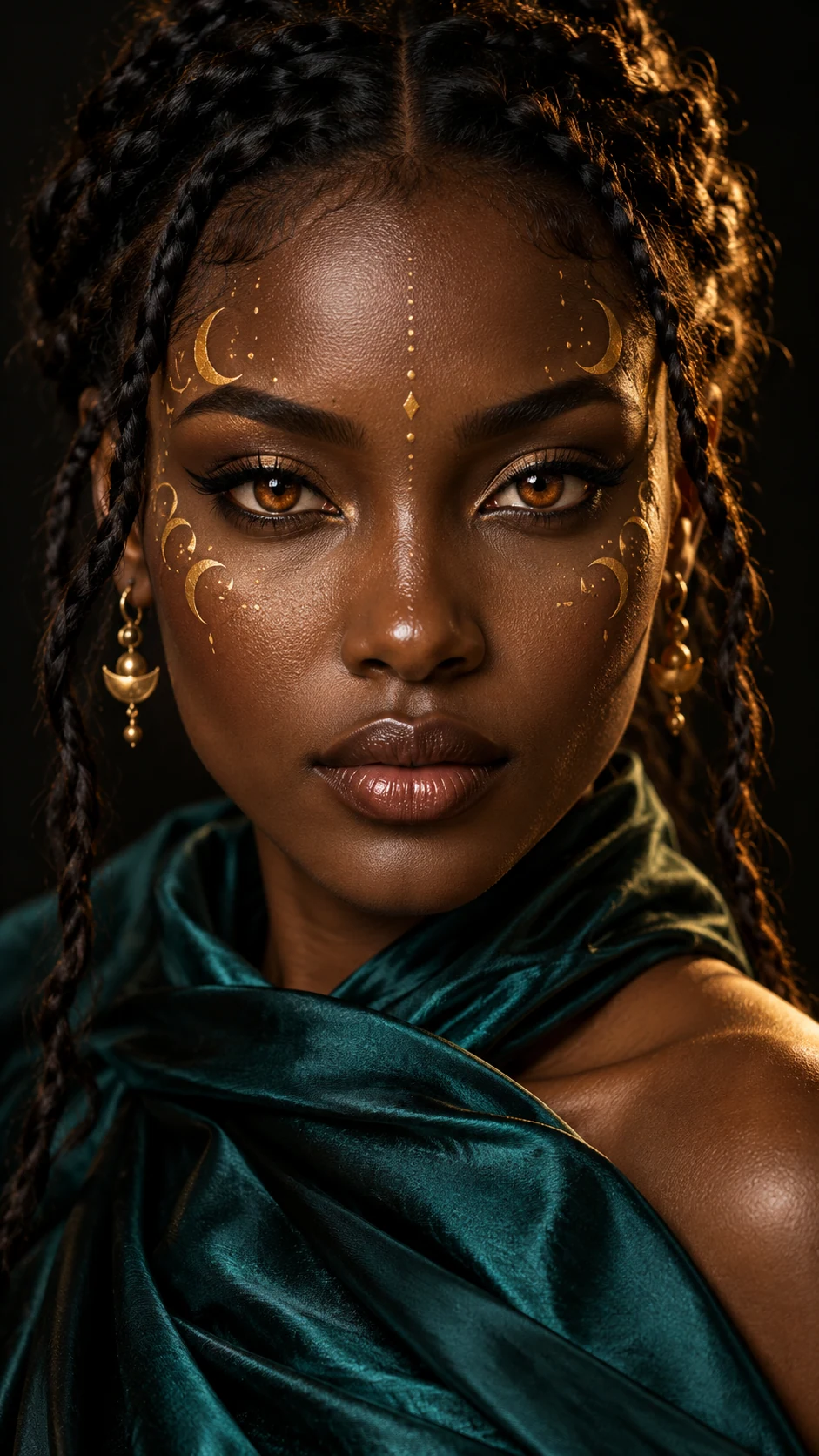
Describe how several products relate in space, light and material, so the composition serves the intended product presentation.
Develop language variations around one campaign, specifying the wording and visual identity required for each version.

Use a reference to explain a targeted color, material or background adjustment while retaining other important elements.
Think about image, text and negative space together to develop a visual direction for subsequent retouching and layout work.
| Model | Output levels | Reference or result information | Creative emphasis |
|---|---|---|---|
| Seedream 5.0 Flash | 1K / 1.5K / 2K | Up to 10 references | Text creation and reference editing |
| Seedream 5.0 Pro | 1K / 2K | Up to 10 references | Structure, complex information and local refinement |
| Seedream 5.0 Lite | 2K / 3K / 4K | Up to 14 references | Reasoning and multimodal references |
| Seedream 4.0 | 1K / 2K / 4K | 1 to 6 returned images per request | Unified text creation and editing |
The model offers 1K / 2K output levels. Plan clarity around the image’s purpose, then inspect composition, subject relationships and important local details.
The model supports up to 10 reference images. Organize subject, object, setting and style references separately, and explain what each one contributes to the brief.
Text creation develops a picture from a written brief. Editing uses an existing image as a visual basis and describes a desired change. Both benefit from a clear subject, composition and explanation of the details to retain.
Flash covers text and reference-image creation; Pro emphasizes structure, complex information and local refinements; Lite emphasizes reasoning and multimodal references; 4.0 unifies text creation and image editing and can return several results.
Seedream 5.0 Pro focuses on image tasks with a clear structure and several layers of information. It suits a brief that must explain subject relationships, layout hierarchy and local detail together. Define the information order first, then describe text, space and the visual focal point. References can communicate form and style that are difficult to express with words alone.
Start with one main goal, then explain subject, setting, composition and light separately. References add visual information while the written brief explains which details to retain or adjust. Change only a few requirements in each round to make the results easier to compare.
You can use the trial credits available in your account to explore a concept. Each generation shows the required credits after you select a model and settings. Confirm your available balance, then continue testing and refining the direction that fits your project.
Keep the composition closest to the brief, then adjust background, color or detail one at a time. Record the purpose of each change and compare versions against the same visual goal instead of changing every instruction together.
Prepare a clear subject, relevant references and a focused visual brief, then compare and refine the direction step by step.