Describe the image
Name the subject, setting and mood. Add exact text when the composition needs it.

Seedream 5.5 is an AI image generator and editor for creating images with text and references. Shape natural edits, expressive portraits and original product visuals in one creative workspace.
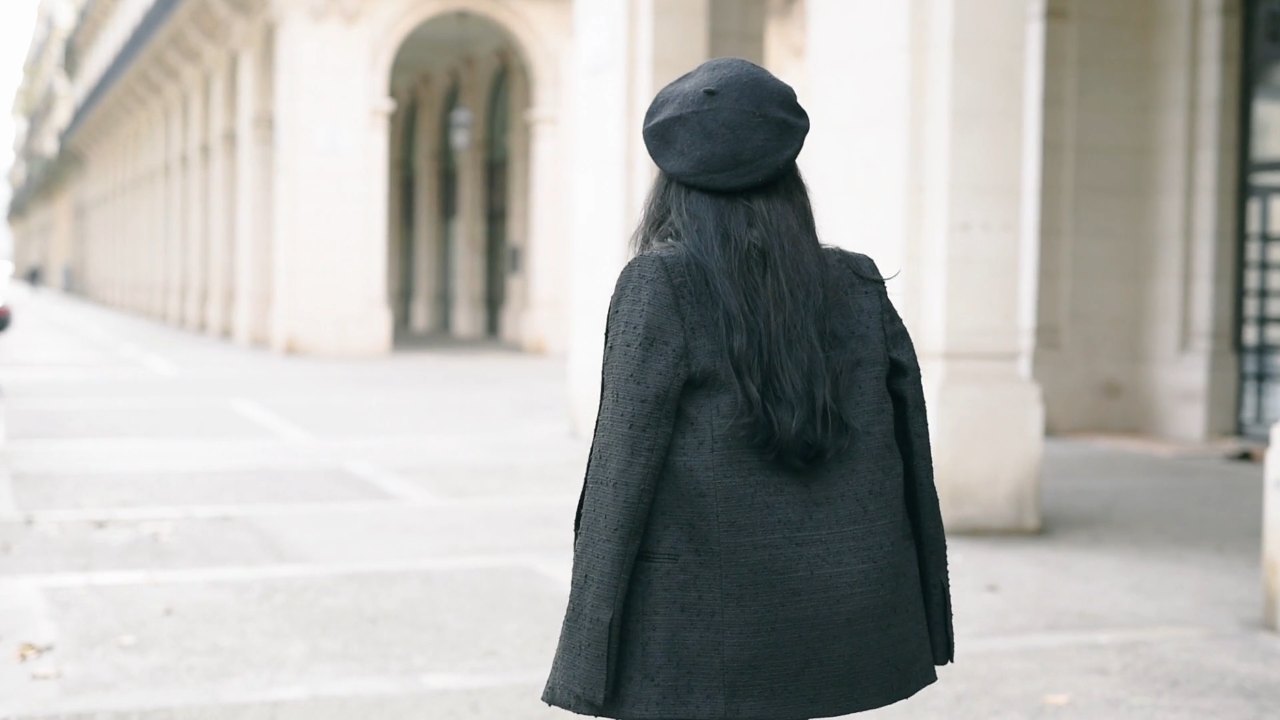
 Portraits
 Brand visuals
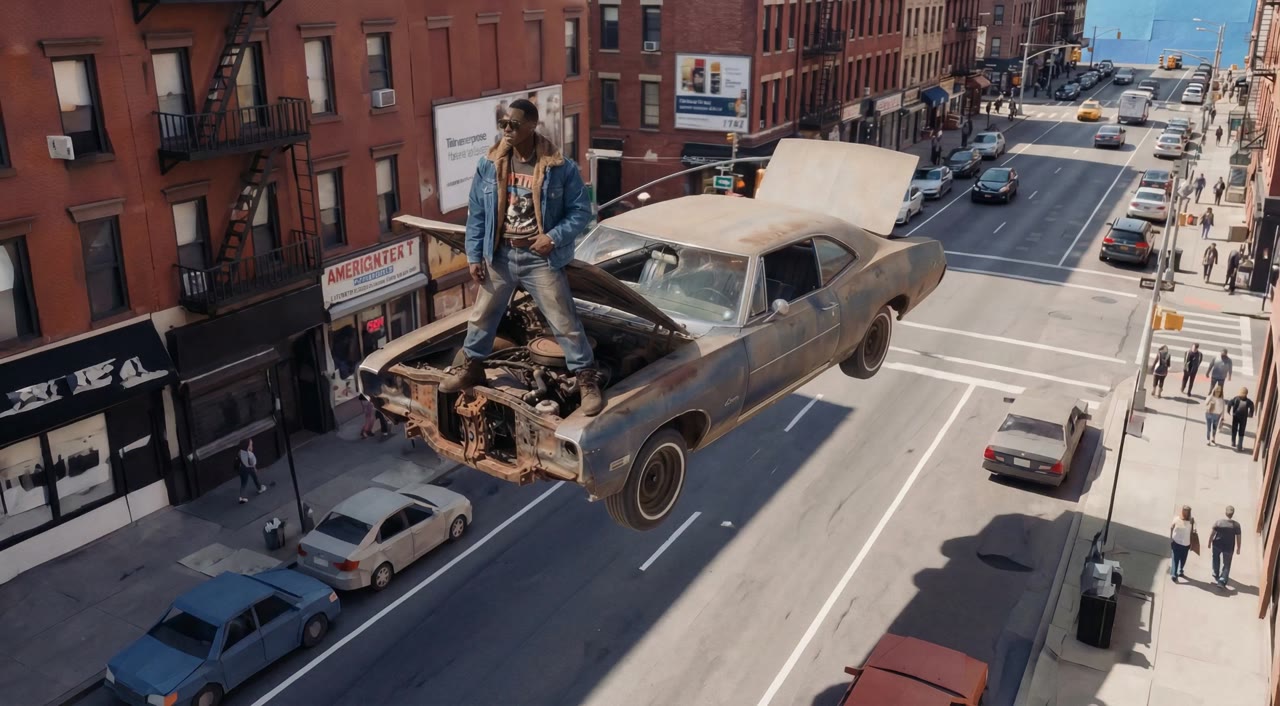 New worlds
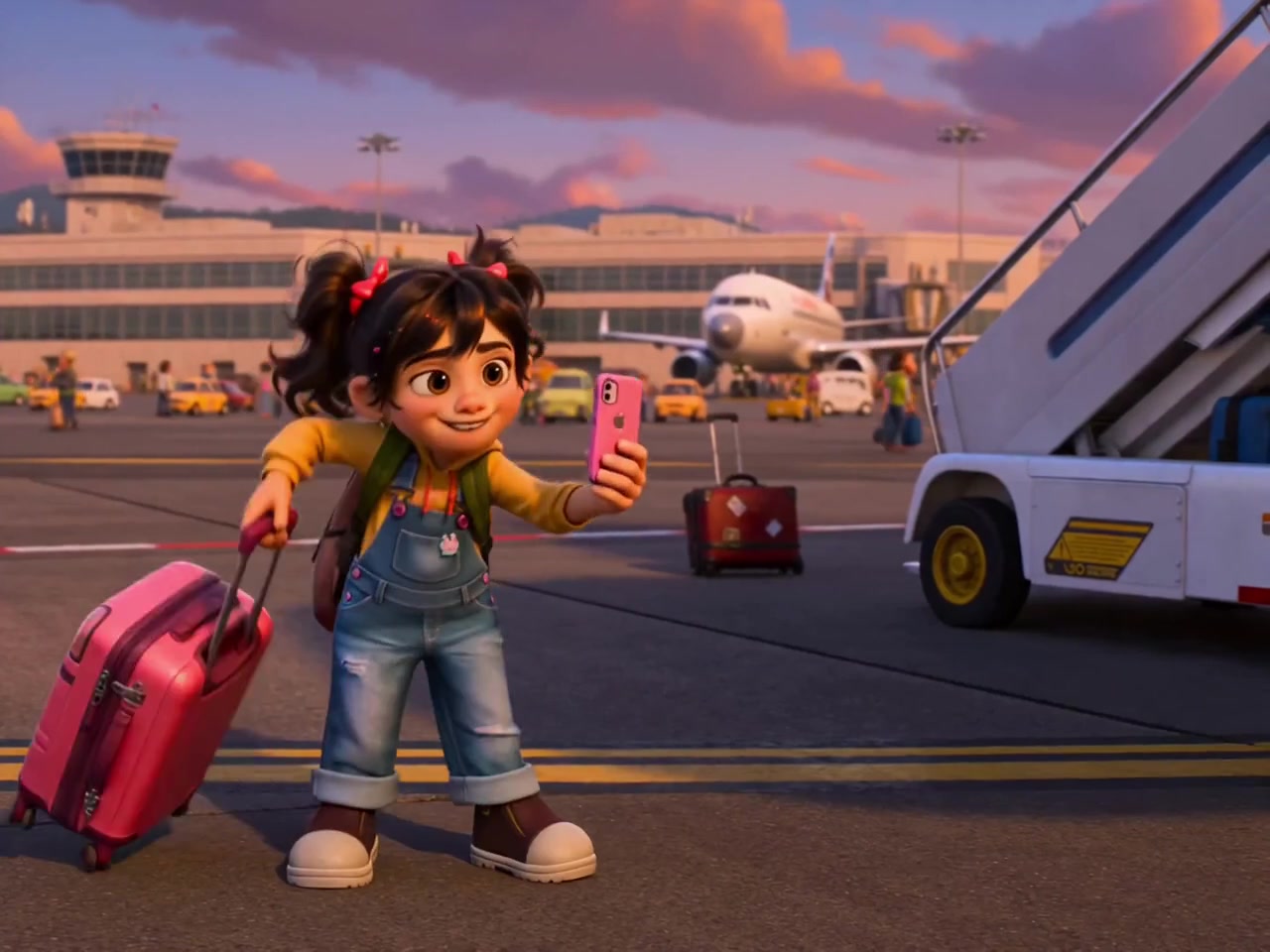 Illustration
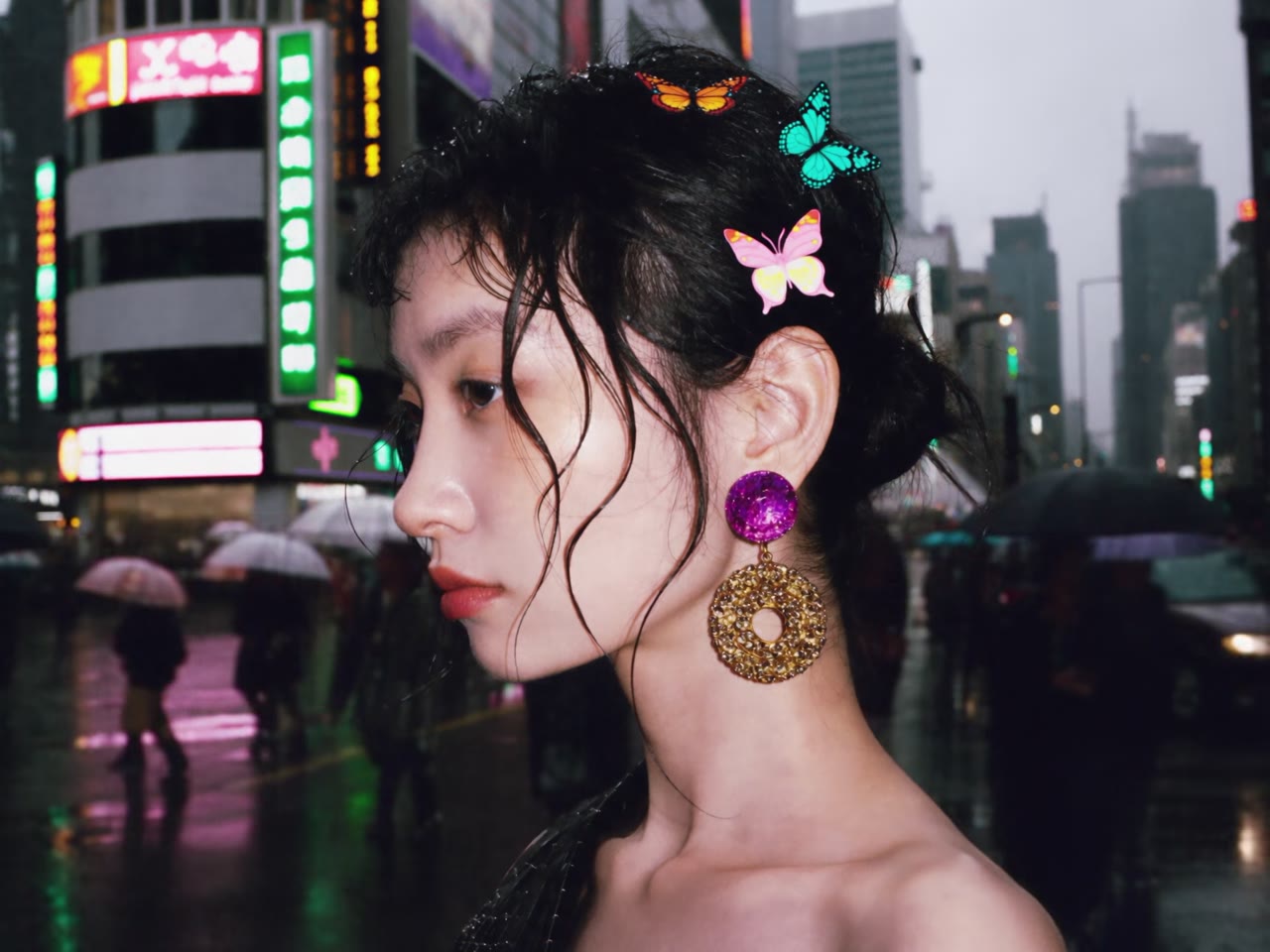 Posters
A sentence, a reference, a detail you want to change. Start where your idea starts.
Give your idea a subject, a setting and a point of view. The Seedream 5.5 text-to-image workflow brings your visual brief, composition and style into one place, so you can explore an editorial portrait, a product campaign or an imagined landscape with a clear direction.
Bring an existing image and describe a specific revision: a different backdrop, a new fabric, a softer light or a revised color palette. Name the product shape, facial features and composition that should stay consistent. Work through one deliberate change at a time.
Use references to communicate what words alone cannot: a material finish, a character identity, a product silhouette or a particular atmosphere. Assign a clear role to each reference, then describe the new scene, framing and light you want to explore.
Explore the Seedream 5.5 creative workflow for the images your project needs.

Give a product a setting that tells its story. Plan the surface, background, material response and direction of light, then explore campaign images that share a deliberate visual language.
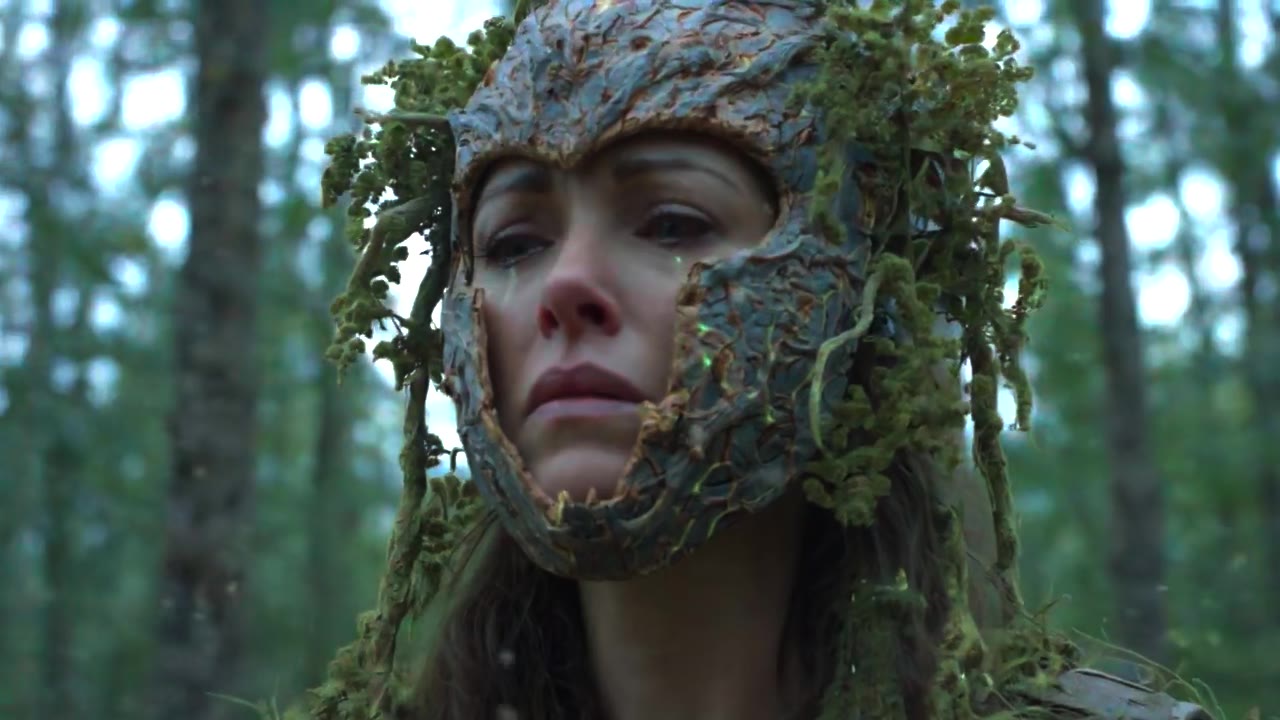
Direct a portrait through expression, framing, lens perspective and atmosphere. A precise brief helps keep skin, fabric and light grounded while you explore an editorial or cinematic mood.
Build the reading order before adding decoration. Put the exact headline, supporting copy and product message into your brief, with explicit positions and breathing room for a stronger campaign composition.
Explore original characters, storybook scenes and visual identities. Describe the silhouette, color system and drawing medium, then use references to carry the same creative direction into the next concept.
Turn a complex brief into a readable visual plan. Organize facts, labels and comparisons into a hierarchy, specify the exact wording, and leave space for a final check of names, dates and numerical details.
Keep a recognizable palette, a consistent light and a repeatable visual rhythm across campaign concepts. Save the brief and reference set together, so the next image starts with a direction you already trust.
Subject. Composition. Material. Light. Describe what matters, use references to keep your direction, and save the brief before trying a new possibility.
Name the subject, setting and mood. Add exact text when the composition needs it.
Choose a workflow, add references and set the framing that fits your project.
Save the brief, review the result and carry the strongest direction into the next revision.
Seedream 5.5 is an image generation and editing model. This independent creative workspace brings together visual briefs, reference images, image workflows and saved concepts for product visuals, portraits, posters and illustration.
Describe the subject first, then the setting, composition, material and light. Add the exact wording if the image needs text. Keep the most important instructions specific and avoid conflicting styles.
Choose Image editing, add your reference and describe both the change and the details to preserve. Your draft keeps the editing direction together with the reference you selected.
Explore product campaigns, editorial portraits, illustrations, social posters and information layouts. Start with the workflow that matches your input, then refine the subject, framing and mood.
The gallery illustrates creative directions. The images are not presented as verified outputs from Seedream 5.5. You can reuse a visual idea as the starting point for your own brief.
An available model must return a confirmed quote before submission. The workspace asks for confirmation before a task begins. Billing history records completed payments and credit changes.
Yes. Save a device draft with its prompt, selected workflow, framing and references. Device drafts remain in this browser; account storage is separate and requires sign-in.
This is an independent website. Seedream is a model name; this website does not represent ByteDance or the model developer.