
Portraits with presence
A clear direction for your next image.
Direct a portrait through expression, framing, lens perspective and atmosphere. A precise brief helps keep skin, fabric and light grounded while you explore an editorial or cinematic mood.
Start creating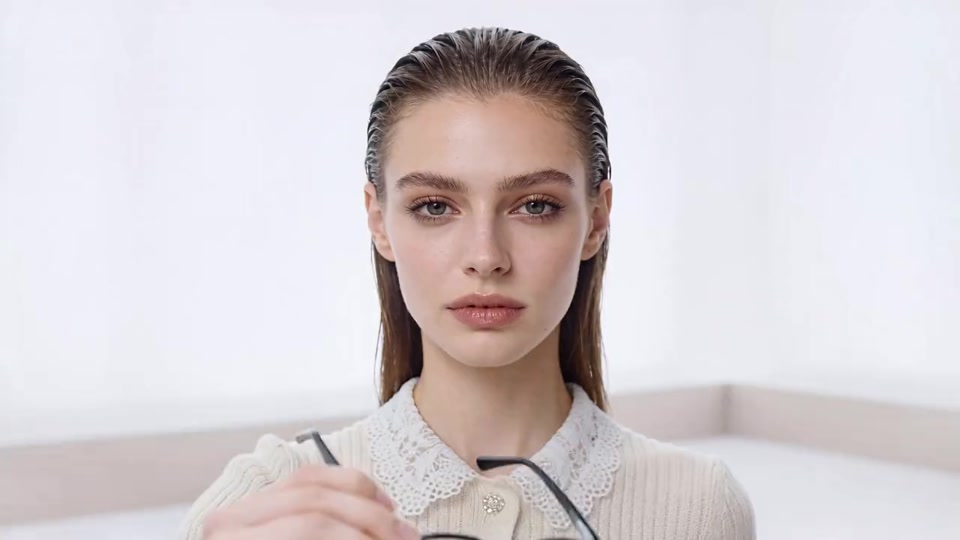
Build a brief that brings the idea together.
A strong image starts with a specific intent. Describe the central subject and the story it should tell. Choose the framing before adding details, then describe the lighting, surface textures and color relationships that carry the mood. References can anchor an identity or material while your prompt explains the new direction.
Keep what works. Refine what matters.
Save each distinct direction as a draft. When editing, separate the change from the details that should remain: product shape, face, pose, viewpoint and atmosphere. For designs containing text, put the exact words into the brief and review spelling, hierarchy and spacing before using the image.
Read the complete prompt guide ↗A little clarity. More room to create.
What is Seedream 5.5?+
Seedream 5.5 is an image generation and editing model. This independent creative workspace brings together visual briefs, reference images, image workflows and saved concepts for product visuals, portraits, posters and illustration.
How do I write a useful image prompt?+
Describe the subject first, then the setting, composition, material and light. Add the exact wording if the image needs text. Keep the most important instructions specific and avoid conflicting styles.
Can I edit an existing image?+
Choose Image editing, add your reference and describe both the change and the details to preserve. Your draft keeps the editing direction together with the reference you selected.
What can I create with the workspace?+
Explore product campaigns, editorial portraits, illustrations, social posters and information layouts. Start with the workflow that matches your input, then refine the subject, framing and mood.
Are the gallery images model outputs?+
The gallery illustrates creative directions. The images are not presented as verified outputs from Seedream 5.5. You can reuse a visual idea as the starting point for your own brief.
How are credits charged?+
An available model must return a confirmed quote before submission. The workspace asks for confirmation before a task begins. Billing history records completed payments and credit changes.
Can I save an idea before generating?+
Yes. Save a device draft with its prompt, selected workflow, framing and references. Device drafts remain in this browser; account storage is separate and requires sign-in.
Does this site represent ByteDance?+
This is an independent website. Seedream is a model name; this website does not represent ByteDance or the model developer.