1
Define the shot
Decide on the subject, action and mood, then describe how the shot should begin, develop and finish.
Sign up for creative credits · Buy 2+ for 10% extra permanent credits
AI Video Generator
On Seedance 2.5, Plan motion, camera direction and reference-led clips up to thirty seconds Explore image and video ideas on Seedream 5.5 with a clear visual brief and carefully organized references.
Create with Seedance 2.5
Decide on the subject, action and mood, then describe how the shot should begin, develop and finish.
On Seedance 2.5, Choose a first-and-last-frame or multimodal strategy so that the material and written brief serve one goal.
Choose a ratio, clarity and clip length around the intended use and organize the creation through the available settings.
On Seedance 2.5, Compare action, camera direction and sound, then concentrate on the few requirements that most affect the result.
Seedance 2.5 is designed for video ideas that involve continuous action, camera planning and reference constraints. Decide what a shot needs to communicate before describing how the action begins, develops and ends. When a concept uses reference material, choose a reference strategy first and keep the rest of the brief consistent with it.
Decide what a visual should communicate before choosing how to present it. Seedance 2.5’s specifications and creative emphasis help you choose a direction for the task. Image and video work can be planned separately and combined within a larger project.
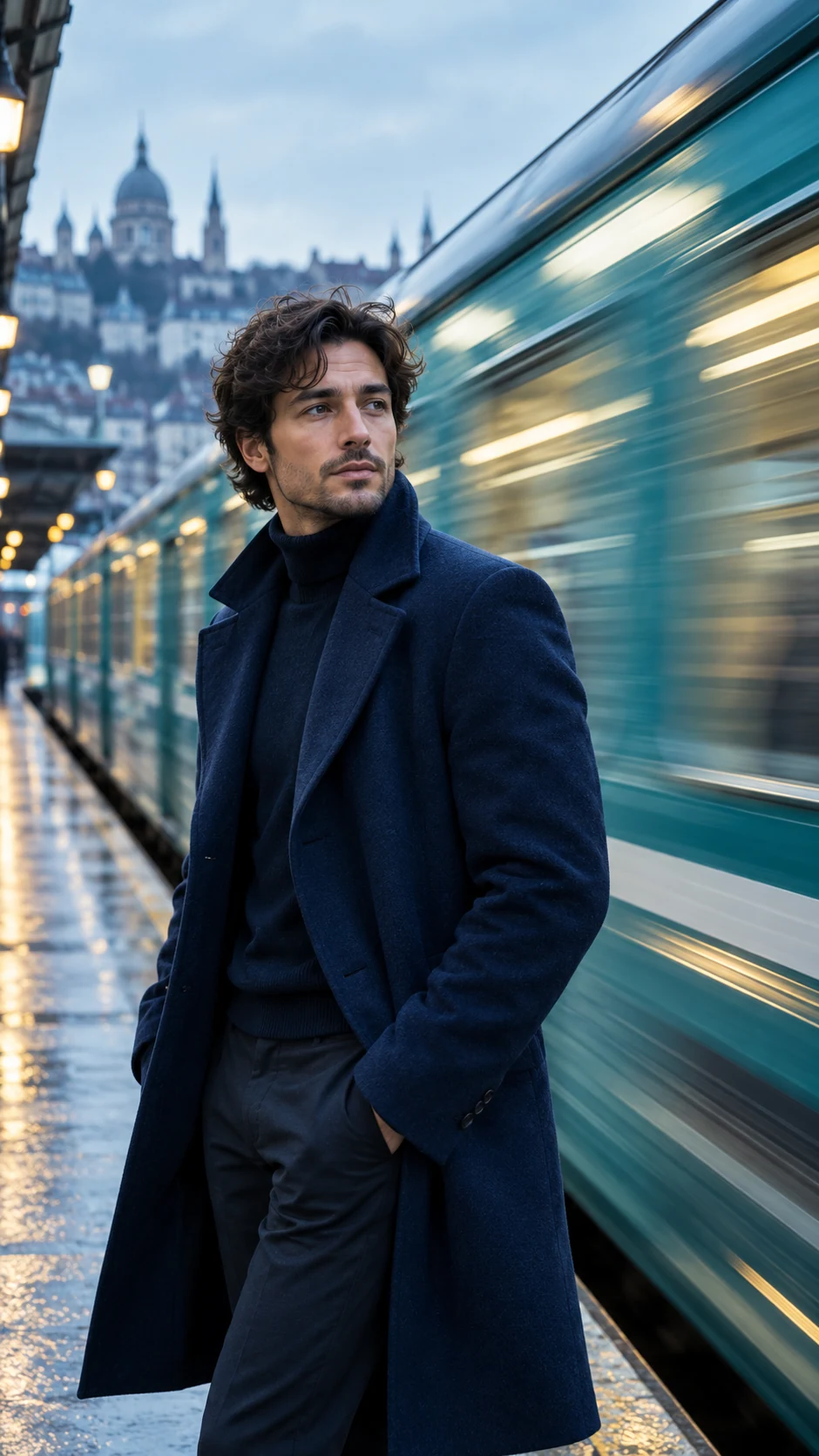
Explain subject action, camera movement and environmental changes separately. Give the clip an ordered visual progression rather than asking several competing events to happen at the same time.
On Seedance 2.5, Use starting and ending frames to establish where a clip begins and finishes. Describe the action and camera changes that should connect them so that the transition has a clear purpose.

The model also provides a multimodal reference path. Define how references contribute to subject, action or visual style, then explain the relationships they should have within the clip.
On Seedance 2.5, First-and-last-frame and multimodal reference inputs are separate modes and cannot be combined. Choose the strategy that suits the idea before preparing the material for that mode.

The model supports 480p, 720p and 1080p output, with a maximum duration of 30 seconds. Plan clarity and timing around the purpose of the clip rather than overloading one shot.
Seedance 2.5 can generate audio. Consider environmental sound, rhythm and atmosphere while planning the scene so that the sound and visual direction serve the same creative intention.
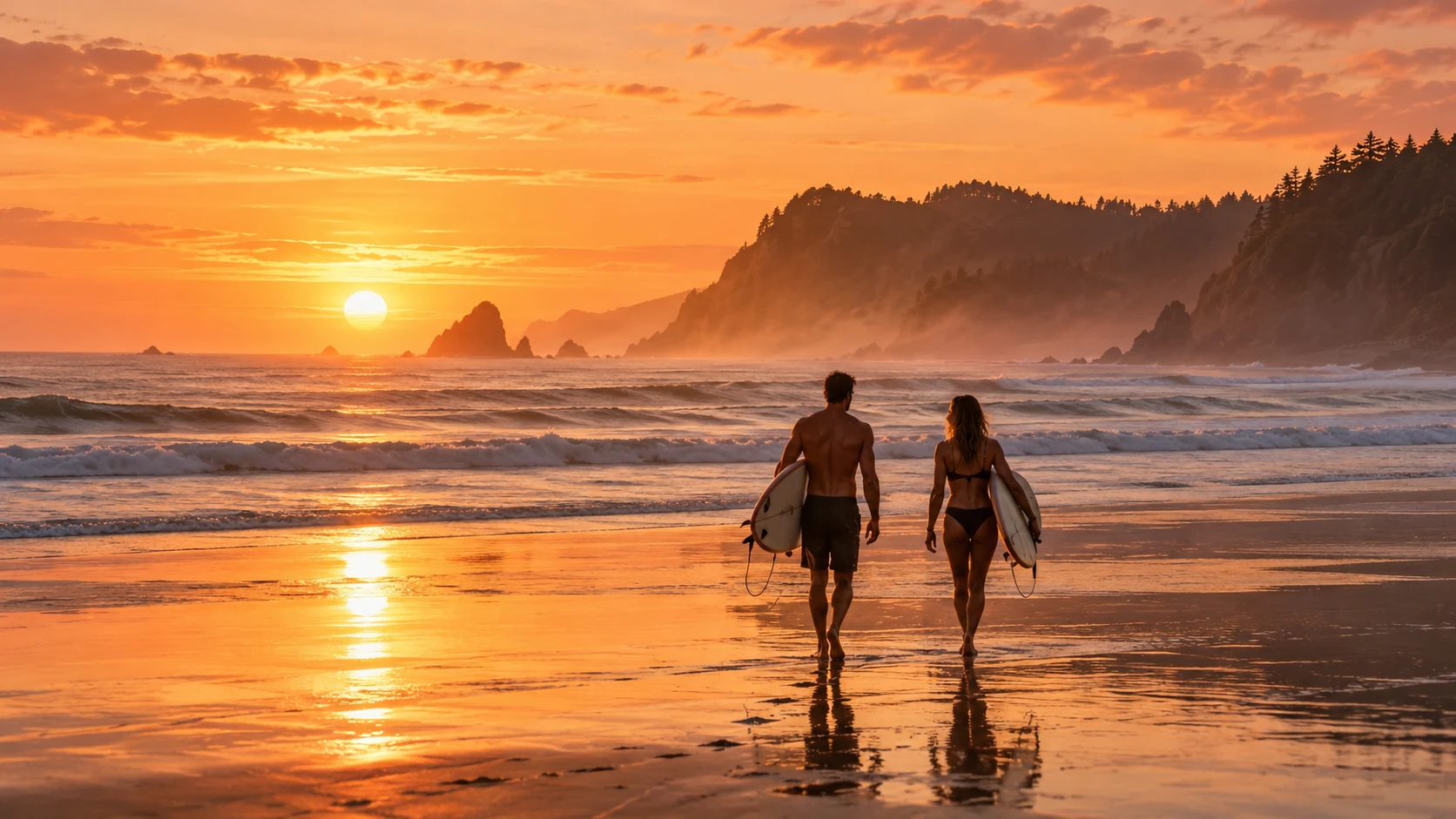
Arrange a concise clip around a product, a subject action and a clear camera focus, then compare different treatments.
On Seedance 2.5, Break a story into shots with a beginning, development and ending, and consider how those shots relate.
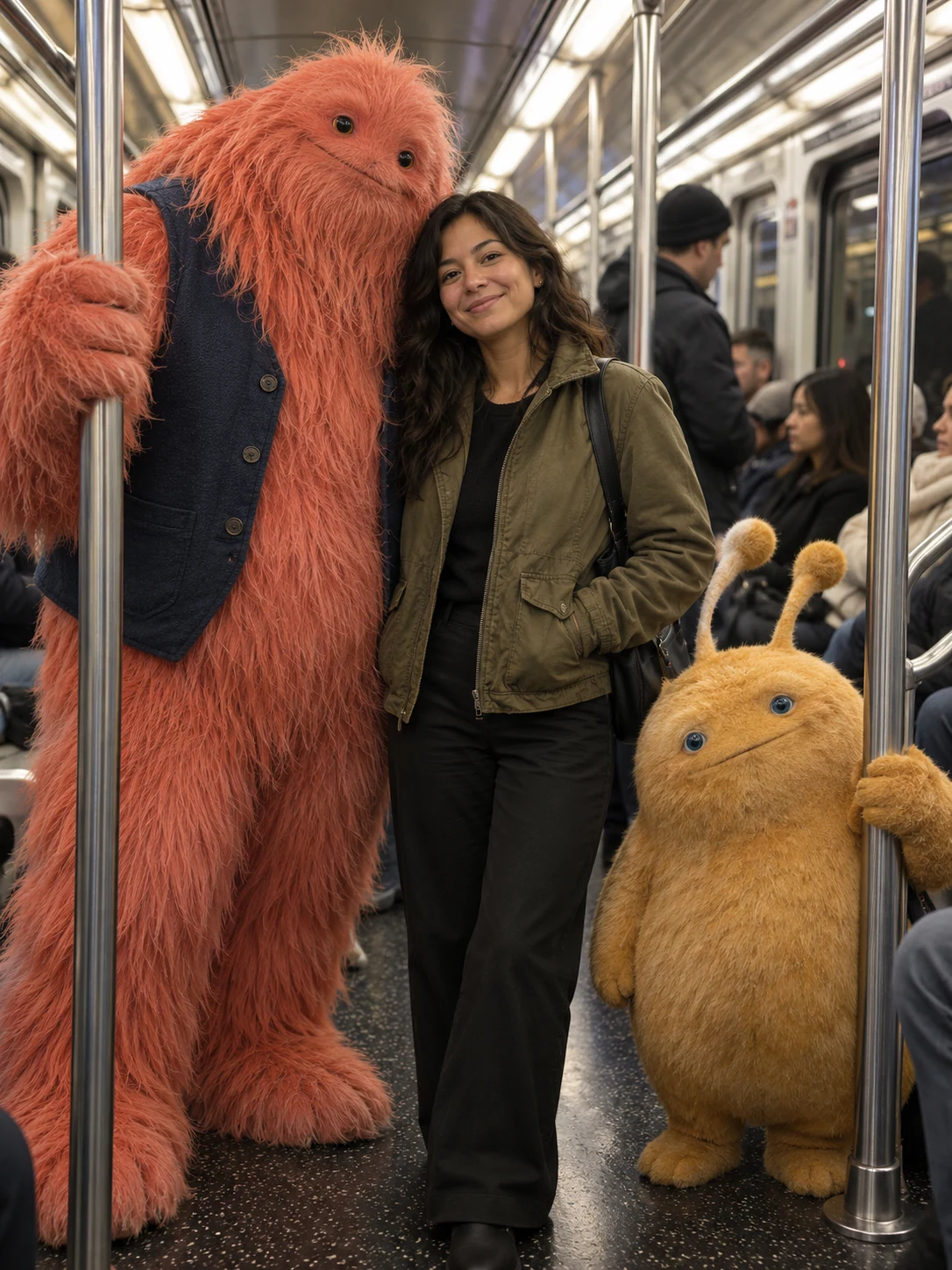
Use starting and ending images to describe how the subject or setting should change during the movement between them.
On Seedance 2.5, Specify posture, action order and camera distance so that the clip stays centered on one main behavior.

Build a scene through light, weather, environmental changes and camera movement rather than too many separate events.
Plan environmental sound and action rhythm alongside the video to develop a direction that can be refined during editing.
| Reference strategy | How to organize it | Creative direction |
|---|---|---|
| First-and-last-frame | Use a starting and ending image to define the clip boundaries | Plan action and transition between two known visual states |
| Multimodal reference | Assign references a role in subject, action or style | Organize a brief around the relationships between the references |
The model supports 480p, 720p and 1080p output, with a maximum duration of 30 seconds. Decide what one shot needs to communicate, then plan its length and clarity around the intended use.
No. They are separate input modes. The first-and-last-frame strategy establishes starting and ending images; the multimodal strategy uses references to guide subject, action or style. Choose one approach when preparing the inputs.
Yes. Seedance 2.5 can generate audio. Consider environmental atmosphere and action rhythm while planning a clip, so that sound and image are developed around the same scene.
Explain what the subject is doing, how the camera moves and what changes in the environment. An ordered sequence is clearer than several competing events happening within one short clip.
Seedance 2.5 is designed for video ideas that involve continuous action, camera planning and reference constraints. Decide what a shot needs to communicate before describing how the action begins, develops and ends. When a concept uses reference material, choose a reference strategy first and keep the rest of the brief consistent with it.
Start with one main goal, then explain subject, setting, composition and light separately. References add visual information while the written brief explains which details to retain or adjust. Change only a few requirements in each round to make the results easier to compare.
You can use the trial credits available in your account to explore a concept. Each generation shows the required credits after you select a model and settings. Confirm your available balance, then continue testing and refining the direction that fits your project.
Keep the composition closest to the brief, then adjust background, color or detail one at a time. Record the purpose of each change and compare versions against the same visual goal instead of changing every instruction together.
Prepare a clear subject, relevant references and a focused visual brief, then compare and refine the direction step by step.